Googling Well
April 23, 2019
Translated from the Korean original.

Finding information really just comes down to searching. Wouldn’t it be great if one search turned up a silver-bullet article that fixed everything right away…
So how do you actually get good at searching?
Before we get to that, there’s something more basic to sort out first.
What Don’t I Know?
You search to resolve something you don’t know. But how do you actually pin down what you know and what you don’t?
Let me walk through an example: testing redux-observable, something I’ve been digging into hard lately.
Let’s just search redux observable test code.
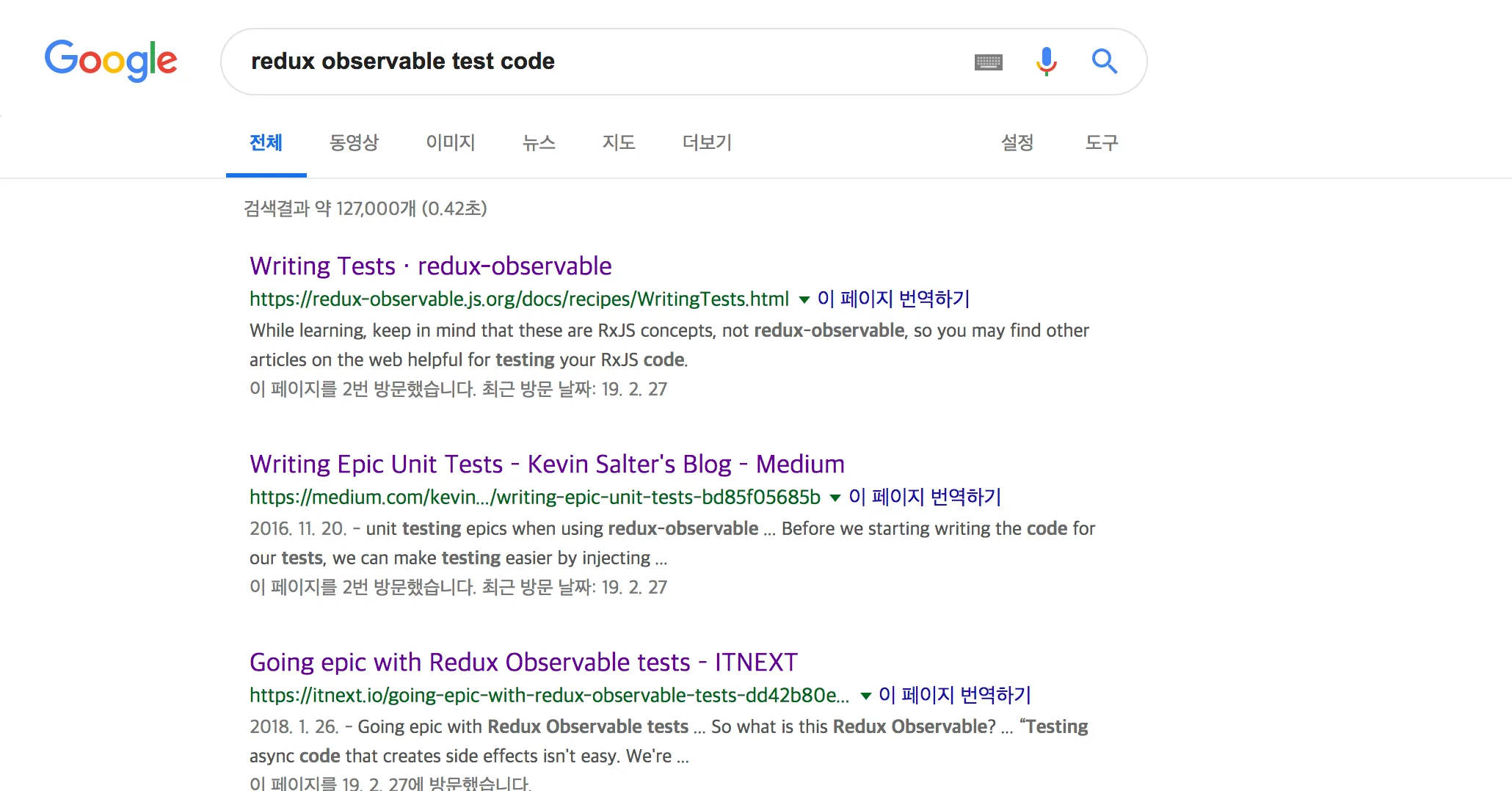
My first instinct: the official docs are probably my silver bullet.
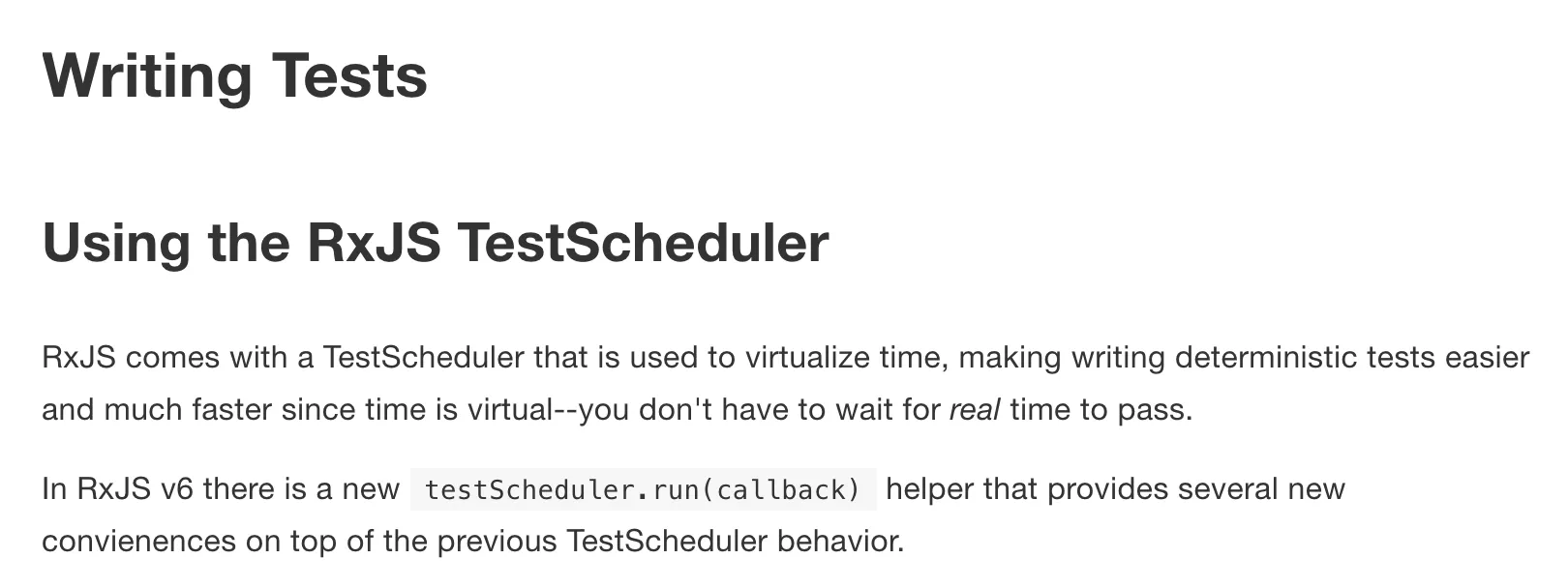
Up comes RxJS TestScheduler. I had no idea what a TestScheduler even was, but I trusted the docs and pushed on anyway.
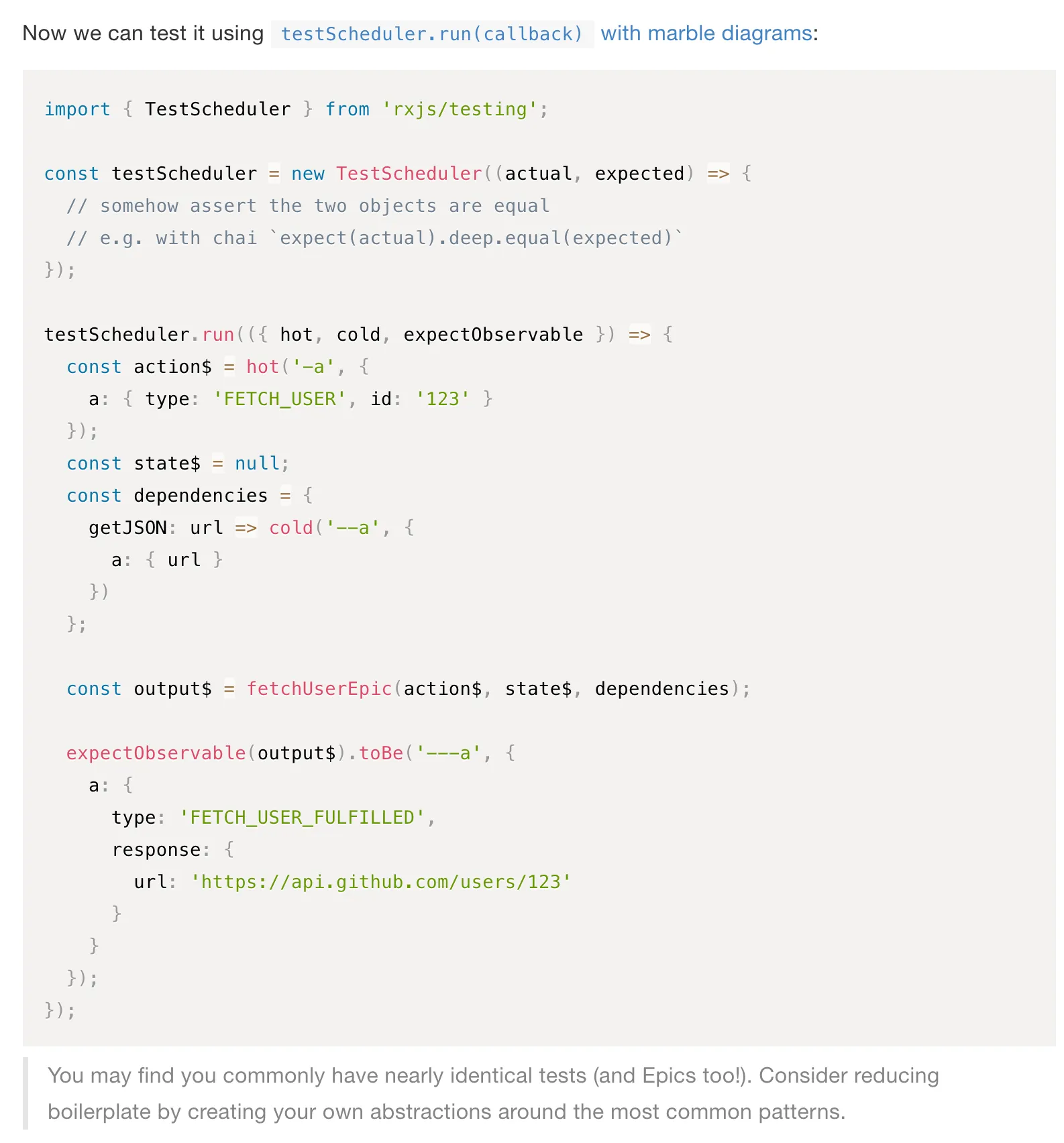
Then it was one fuzzy term after another: hot, cold, concepts I’d assumed I understood but clearly didn’t.
The whole point of writing tests is to get rid of the uncertainty and gray areas in your code. Copy-pasting code you don’t understand just creates a brand new gray area.
And that’s how the first article of my search, the official docs, ended up closed with a Ctrl+W..

On to the second result.
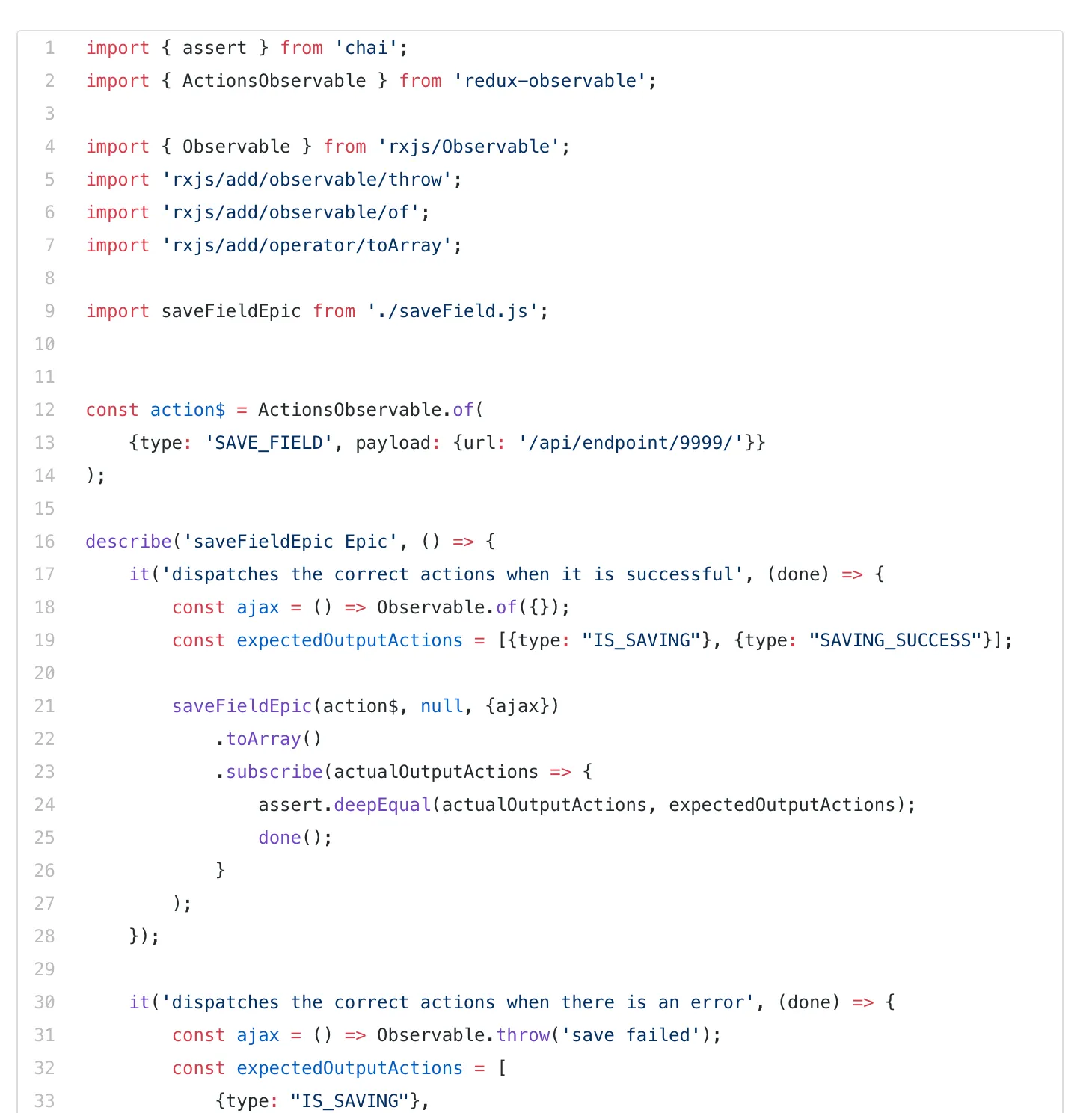
Tracing through what the code actually does:
1. Create a fake action2. Create a fake ajax(?) >> 18 line3. Define the expected action4. Compare equality using assert.deepEqual (?)I still had questions.
- Is this just defining a dependency and injecting a mock version of it?
- What does deepEqual.. actually do here?
- This doesn’t match what the official docs said..?
After reading this, all I could think was: okay, but how do I actually test an Epic..?
Why ?
Honestly, both articles have great information in them. Mix and match the two and you could probably cobble together a decent test. But here’s why I still felt lost after reading both.
- I wanted one article to hand me the whole answer, but each one fell a little short.
- The two articles describe similar concepts, but not in the same way.
- I simply didn’t understand how to test middleware.
What do you even need to mock when testing a middleware? And middleware dispatches new actions on its own, so how do you test that part?
Break an Unfamiliar Concept Into Pieces, and Learn What Makes It Up
So what didn’t I actually know? Thinking back, I’d been fixated on how to test redux-middleware without ever asking what needed testing in the first place.
Time to back up and figure out what actually needs testing.
What?
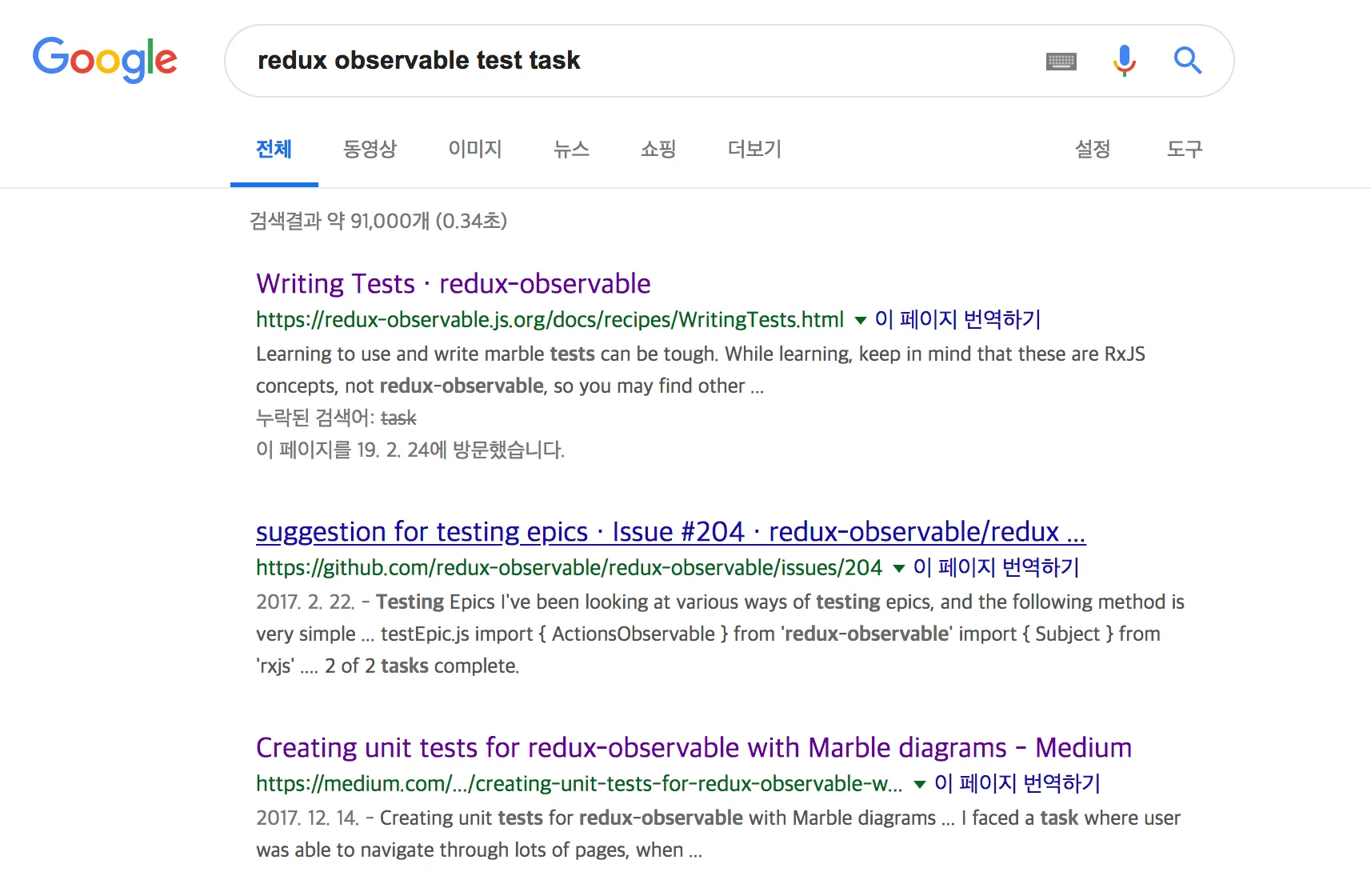
I changed my search to redux observable test task.
This time, the article I picked after the official docs was on Medium.
🎁: A tip from personal experience(?): after the official docs, I’ve had the best luck with Medium and other blogs. (Better odds than StackOverflow, statistically..?)
Creating unit tests for redux-observable with Marble diagrams
This is the one I ended up using.

Since you need to understand Epics before you can test them, it opens with a short primer on Epics.
And then,
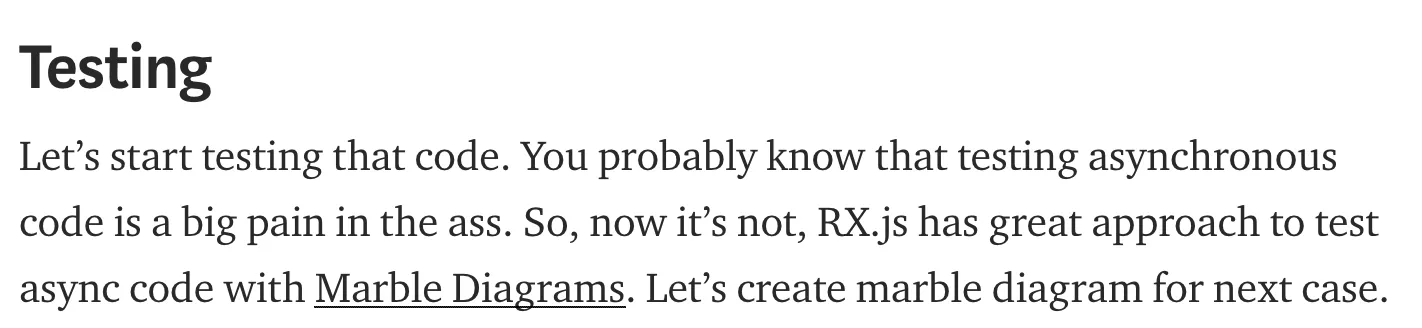
it walks through the actual testing process.
-
You need your own instance of the
$actionstream, which means creating a TestScheduler.Finally, a clear explanation of why the
TestSchedulerfrom the official docs even matters. -
It walks through the flow where the Epic dispatches two actions.
What this article actually gave me was what to mock, and what needs testing along the redux-observable flow.
You need things like an inputMarble and a mocked ajax call: the ajax call itself is mocked, and so is its response.
This article only got me to a rough sense that inputMarble is some kind of stream mocking, so to clear up that gray area I searched for that term specifically.
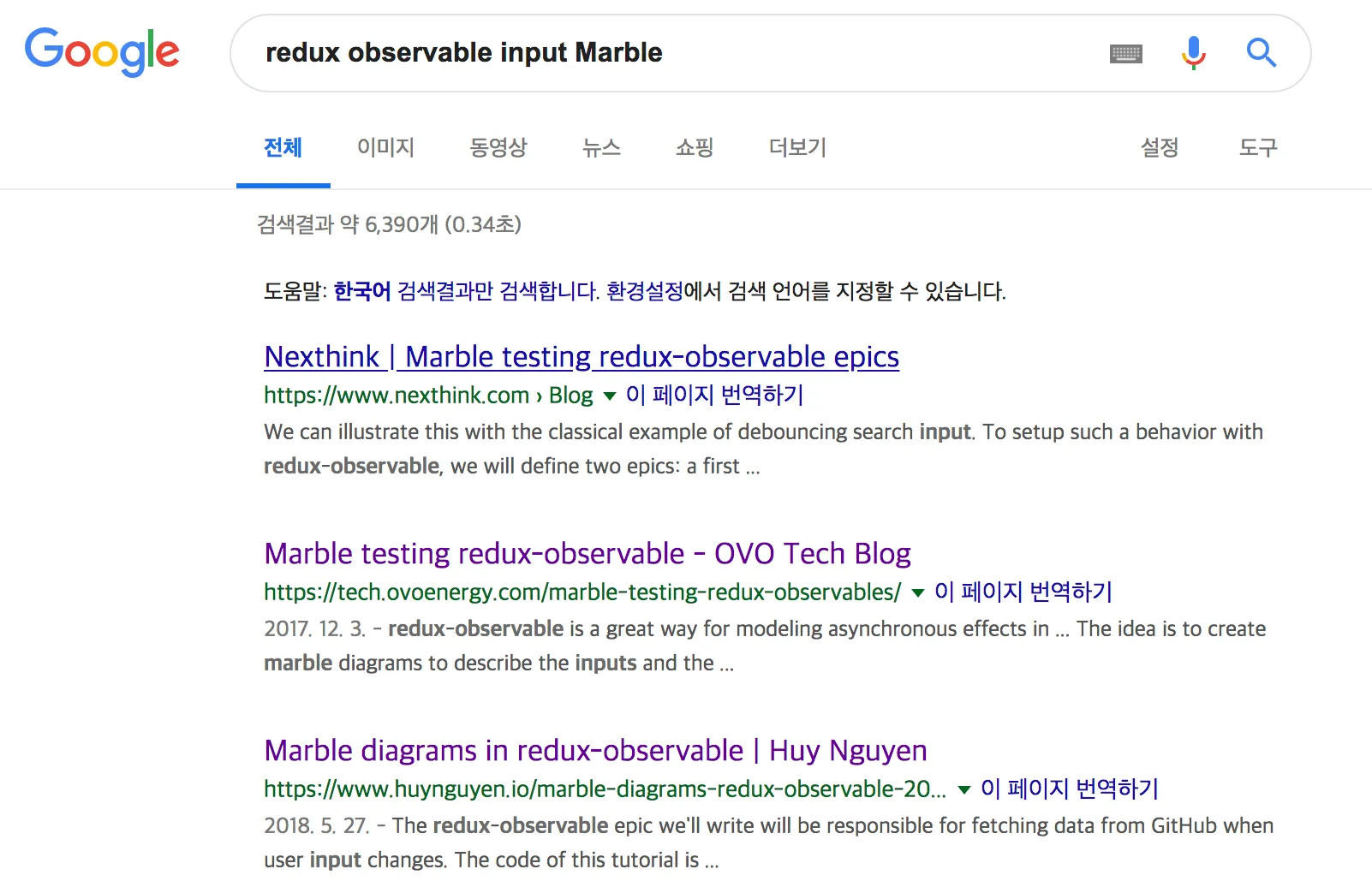
That search turned up two articles, and both gave me a detailed picture of input Marbles.
Choosing Good Keywords
Once you know what you don’t know, you still need to spend real time thinking about your keywords before you search.
Let’s try the same example again, but with a few keywords stripped out.
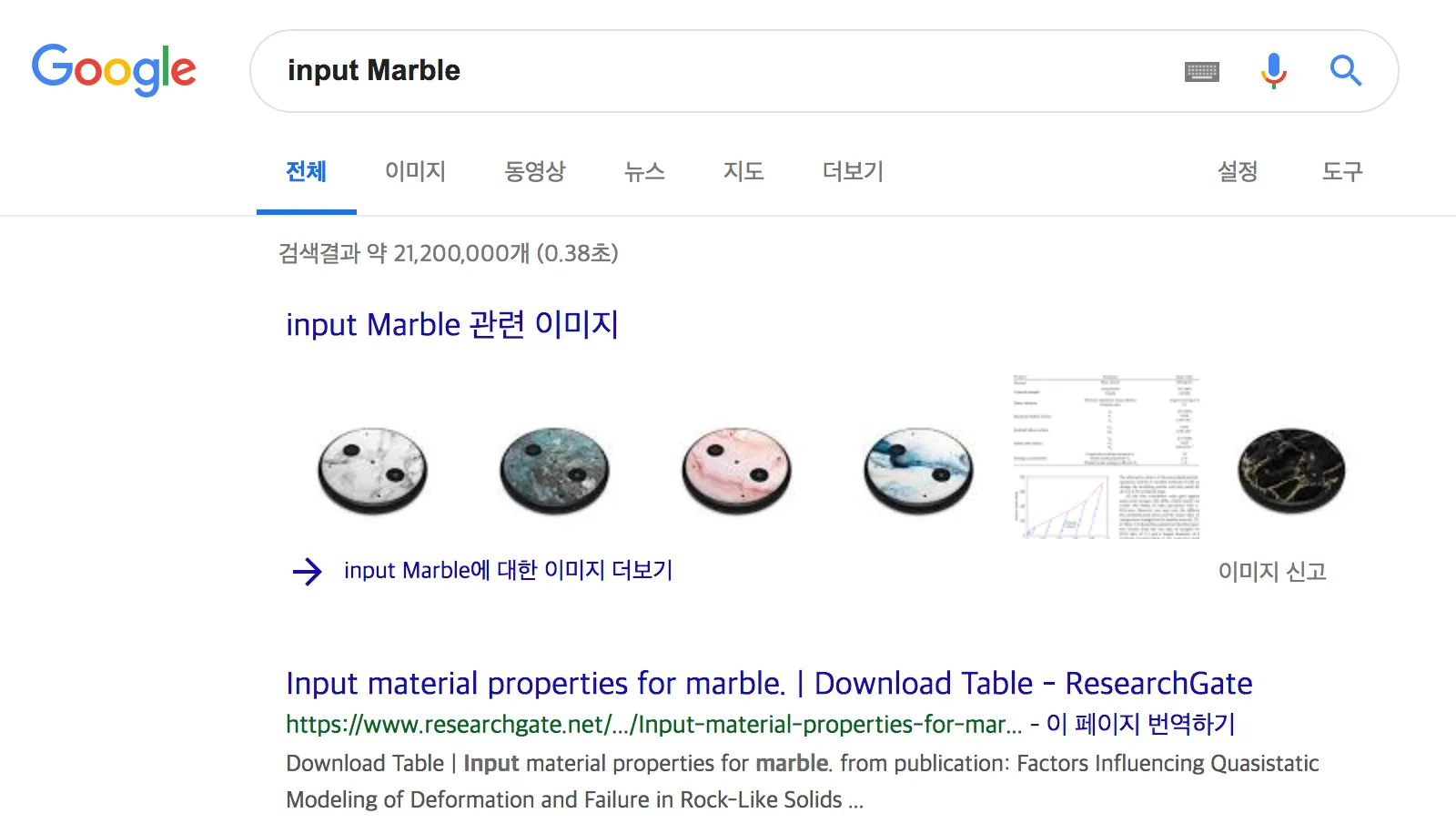
Right away, images with nothing to do with development show up. A word might be a dev term to me, but Google (or some random person) might not read it that way at all.
You need to spell out that this is a dev-related search, which is exactly why adding the keyword redux-observable back in is what pushes the results you actually want to the top.
When You Want to Know How
When you’re searching from a how do I do this? angle, start by tacking on How to.
How to ~~
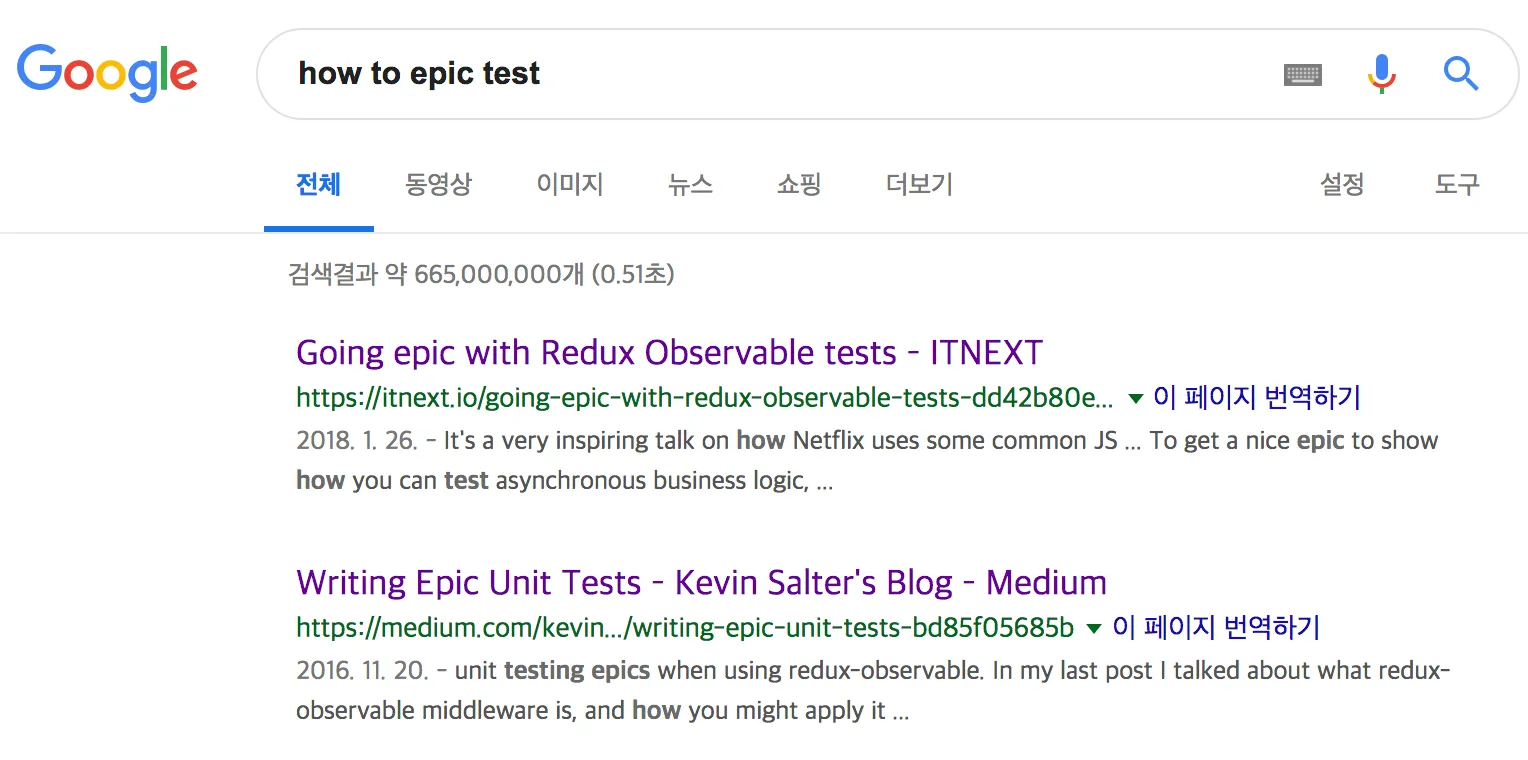
Search the Title Word-for-Word, Though..
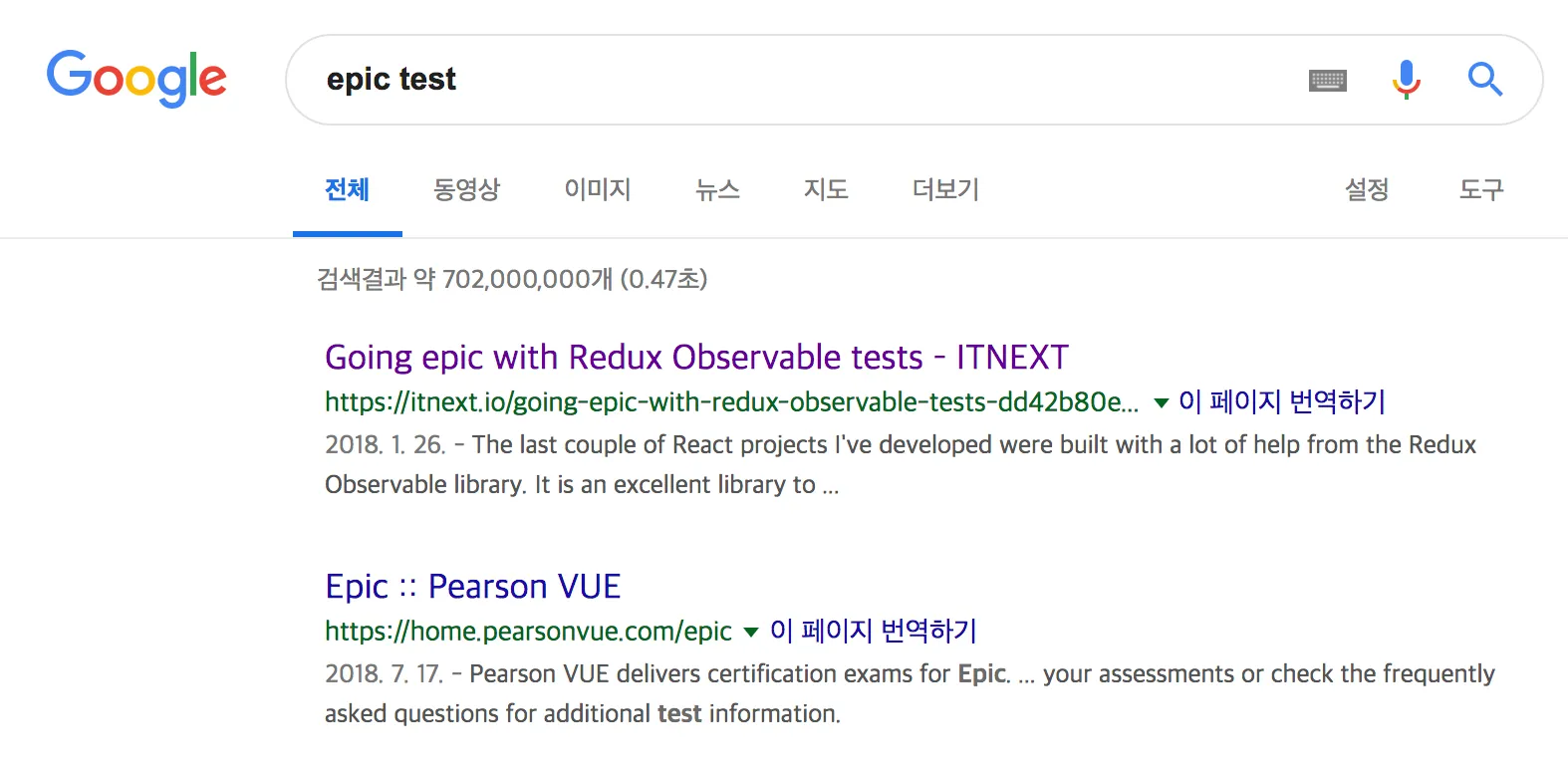
..and you’ll probably come up empty.
🔑 Right, remember: what I actually wanted to know was the method (How To) for testing an epic.
If instead you want to know what the thing itself even is, try a keyword like What is.
Plus
When I’m Googling my way through a problem, these are the sources that actually help.
1. Stack Overflow
 It really does help. You’ll often find a plausible-looking answer.
But don’t ever take it at face value. It might be outdated, or the “fix” might be an anti-pattern in disguise.
It really does help. You’ll often find a plausible-looking answer.
But don’t ever take it at face value. It might be outdated, or the “fix” might be an anti-pattern in disguise.
Whatever the approach, the point is to actually understand it before you use it.
2. Repo issues ( open and closed )
 Someone else may have already hit this exact problem and filed an issue on the library’s repo. Check closed issues too, not just open ones.
3. Medium
 Medium’s hit rate has been consistently high for me. Pretty impressively so 😄
4. Just Ask
 No issue on the repo, no article anywhere….
At that point, just file the issue yourself. The maintainer will get notified, and people from all over the world might chime in and help.
No issue on the repo, no article anywhere….
At that point, just file the issue yourself. The maintainer will get notified, and people from all over the world might chime in and help.
Bottom Line
That was a long way of saying it, but searching well really comes down to two things.
- Know what you don’t know.
- Break that unknown down into pieces and search each one specifically, wrapped in the right keywords.
Keep these two things in mind, and I think you’ll spend a little less time swimming around in the sea of information.
